Dashboard Pages
Main Dashboard
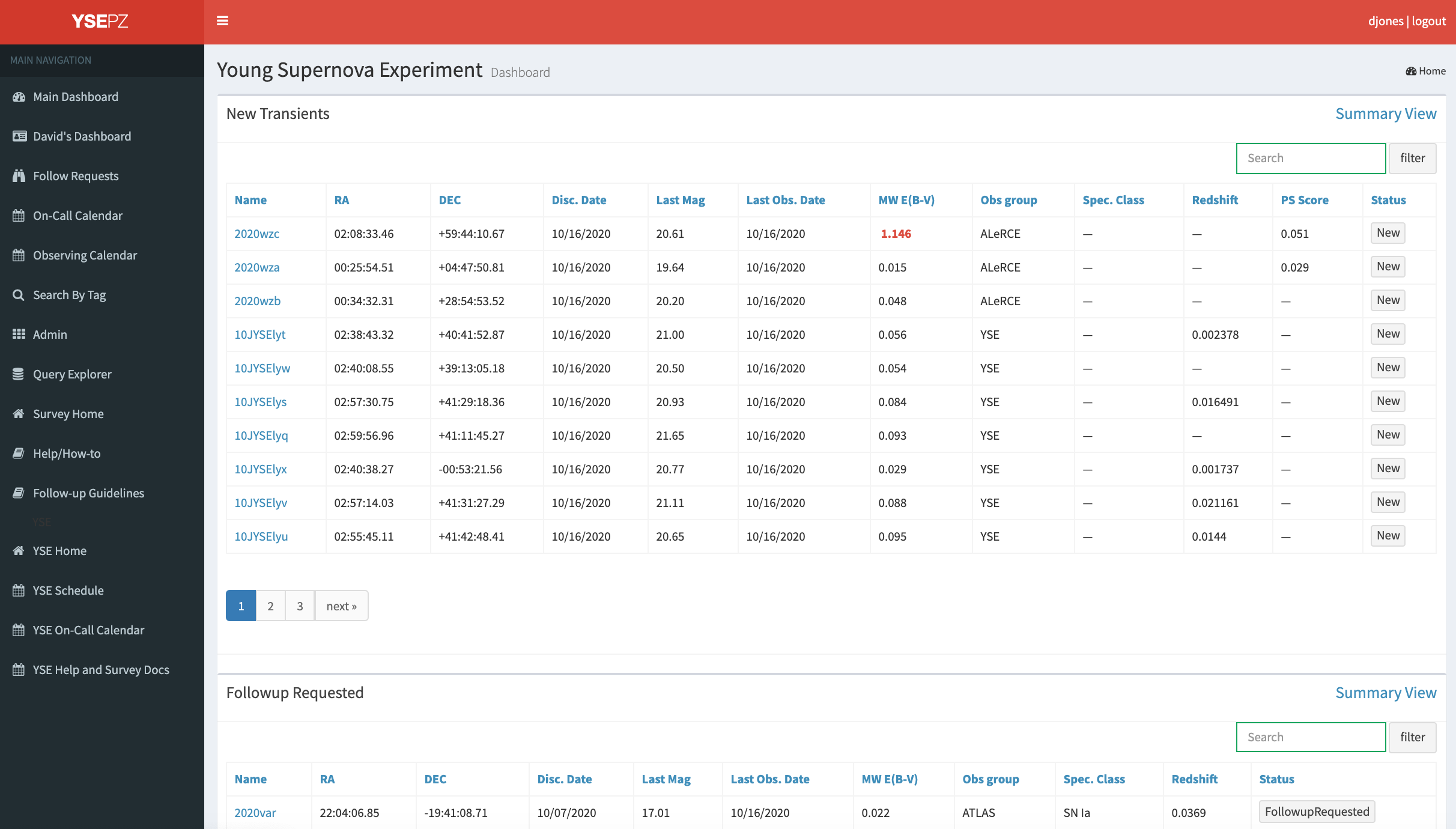
The YSE-PZ home page is the dashboard, which sorts transients into categories based on their “status”. Status labels are customizable through the http://127.0.0.1:8000/admin pages but the dashboard is hard-coded to show transients with specific statuses New, Watch, Interesting, FollowupRequested, Following, FollowupFinished, and NeedsTemplate. Each category has a link to the transient “summary” page for each object type and the transient names themselves link to the “detail” page for a given SN (see Detail Pages). Tables are sortable.
Personal Dashboard
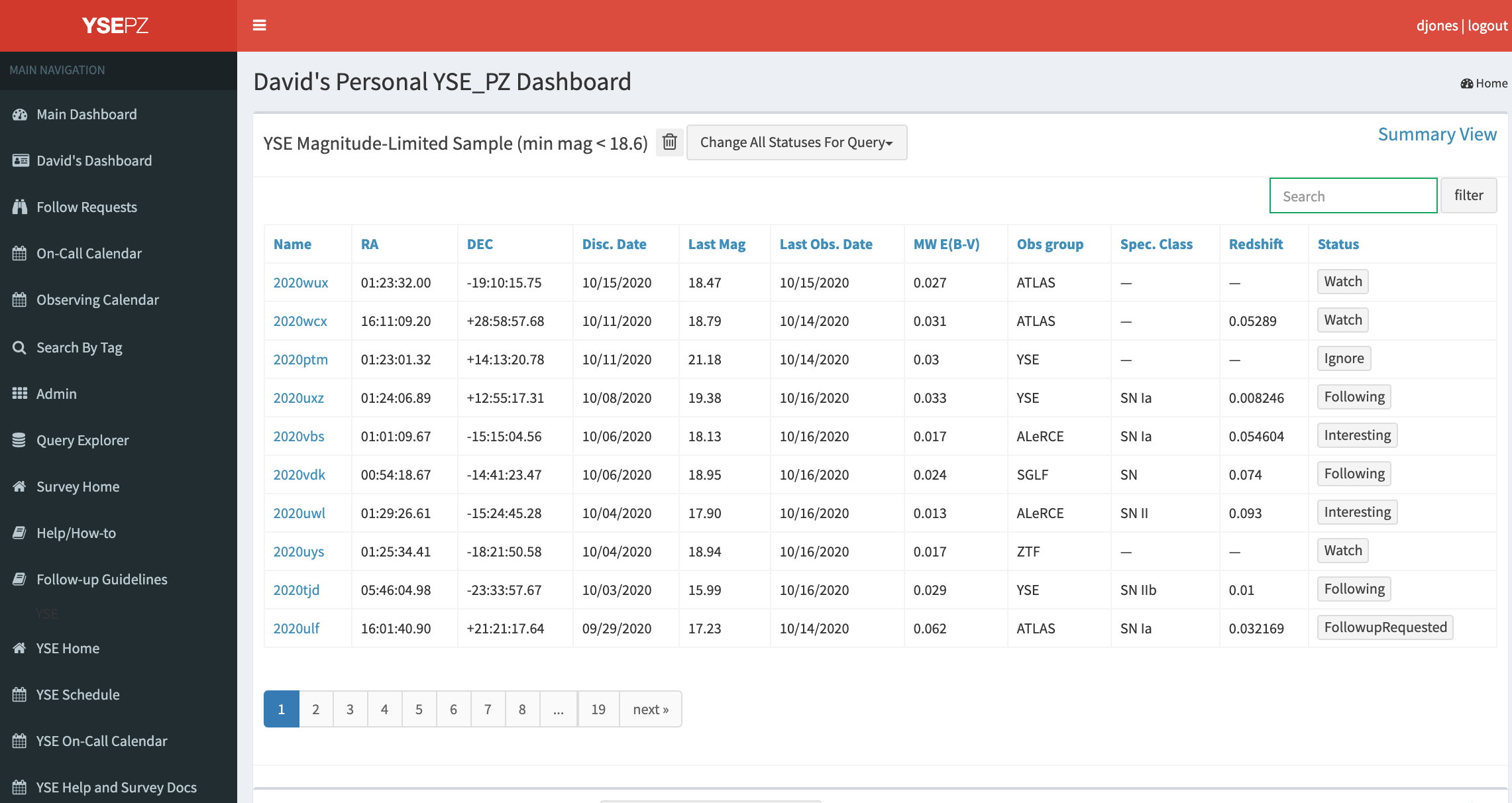
The http://127.0.0.1:8000/personaldashboard page is in the same format as the main dashboard but it is populated by queries selected by a given user. The goal is to allow each user to flag transients that meet their particular science interests. See Querying the YSE_PZ Database documentation for more information about building queries and adding them to your dashboard.